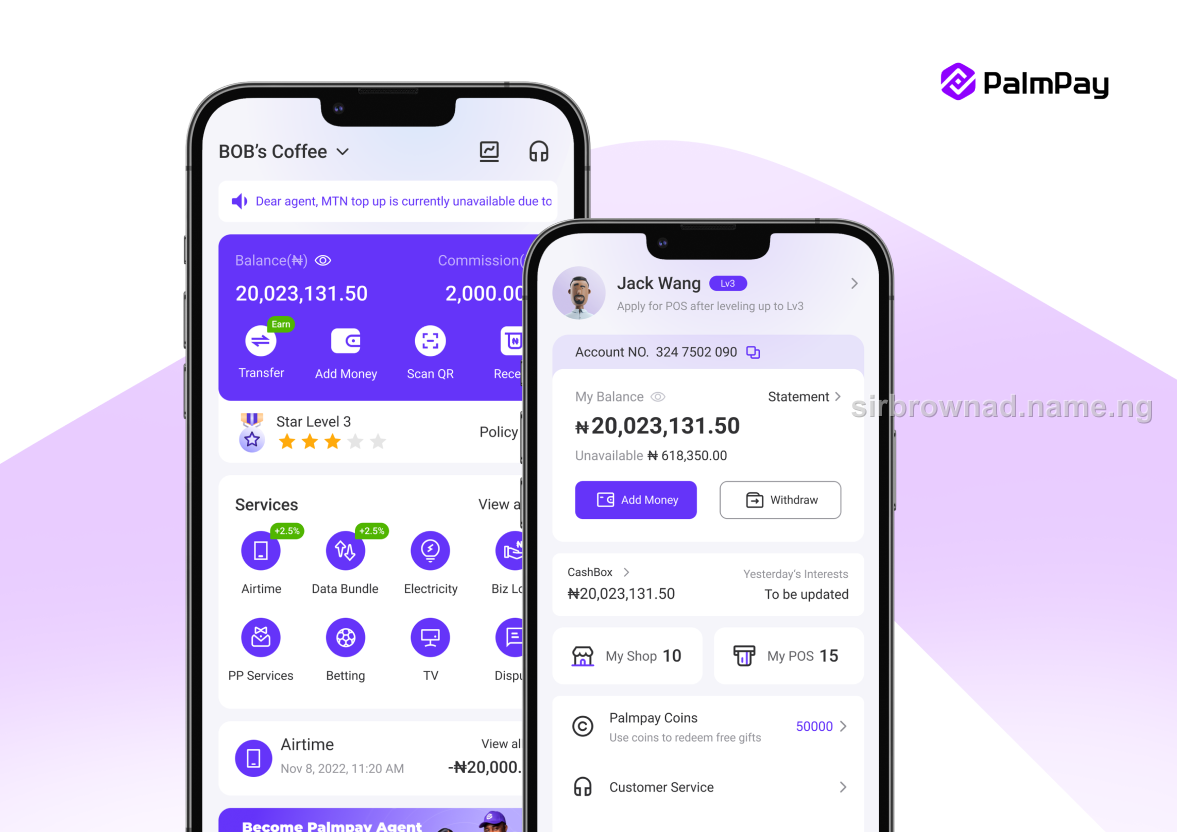
Somebody sends you a PalmPay alert. It has the right logo, the right amount, the right sender name. You release the goods, hand over the service, or confirm the transaction — and the money never actually lands in your account.
This is not a hack. Nobody broke into PalmPay's systems. It is a fake alert app, and understanding exactly how it works is the fastest way to stop falling for it.
The scam does not target PalmPay. It targets the half-second between seeing a notification and checking your actual balance.
How the Fake Alert App Actually Works
Fake alert apps are built to generate a notification or screenshot that visually copies a real PalmPay, OPay, or bank transfer alert — the app icon, the layout, the wording, sometimes even a fake transaction reference number. Some versions send an actual push notification to the scammer's own phone, which they then show you directly. Others generate a doctored screenshot or a spoofed SMS. Either way, nothing was transferred. No money moved. The only thing that happened is that you were shown a convincing picture of money moving.
This is why the scam works so well at speed — at a busy market stall, a phone repair shop, or a fuel station, a seller glances at a phone screen for two seconds and moves on. That two seconds is the entire attack.
What PalmPay's Transaction Guard Changes
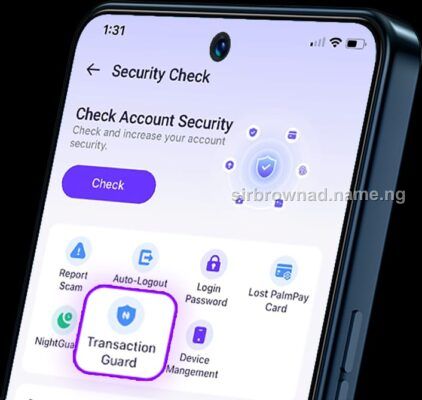
PalmPay recently rolled out a feature called Transaction Guard, which adds a verification layer specifically for high-value transactions and lets users set daily and monthly transaction limits. It is a genuine step toward reducing account-level fraud — locking down what can leave your own account.
But it is worth being precise about what it does and does not solve. Transaction Guard protects the sender's account from unauthorized outgoing transactions. It does not, by itself, stop someone from showing you a fake incoming-alert screenshot on their own phone. Those are two different attack surfaces, and treating them as the same thing is exactly the gap fake-alert scammers rely on.
How to Verify a Real Transfer, Every Time
The fix is not complicated, but it has to be a habit, not an occasional precaution:
Never release goods or confirm a service based on a screenshot, a notification banner, or someone's phone screen — open your own PalmPay app and check the actual balance or transaction history yourself - Wait for your own bank or PalmPay SMS alert to arrive on your own registered line — not a message forwarded or shown to you by the payer - If a transfer seems delayed, ask the sender to wait rather than reassuring you with a second screenshot — a legitimate delay resolves itself; a fake alert cannot produce a real credit no matter how many times it's shown to you - Treat urgency as a warning sign, not a reason to move faster — "I'm in a hurry, just check your alert" is a common pressure tactic paired with this scam - For high-value transactions, call PalmPay's official support line or check via the app directly rather than trusting any third-party confirmation
What to Do If You've Already Been Scammed This Way
If you released goods or services based on a fake alert and the money never arrived, report it — both to PalmPay's official support and, if the amount is significant, to the Economic and Financial Crimes Commission. Save every piece of evidence you have: the screenshot you were shown, the phone number or account name used, and the time and location of the transaction. This platform has covered separately how stolen and laundered funds get traced through Nigeria's banking system — the same reporting principle applies here: a report you file may be the piece that connects to a pattern investigators are already tracking.
Conclusion
A fake PalmPay alert is not proof of anything except that someone wanted you to believe money moved. The only proof that actually counts is your own account balance, checked in your own app, on your own time. Transaction Guard is a real improvement to PalmPay's security — but it protects what leaves your account, not what you're shown on someone else's screen. That part is still on you, and it only takes one habit to close: check before you release, every single time.
Get new Security & Fraud alerts
One email when a new security & fraud article like this one goes live. No spam, unsubscribe anytime.